
Why Your Website Gets Traffic but Few Enquiries
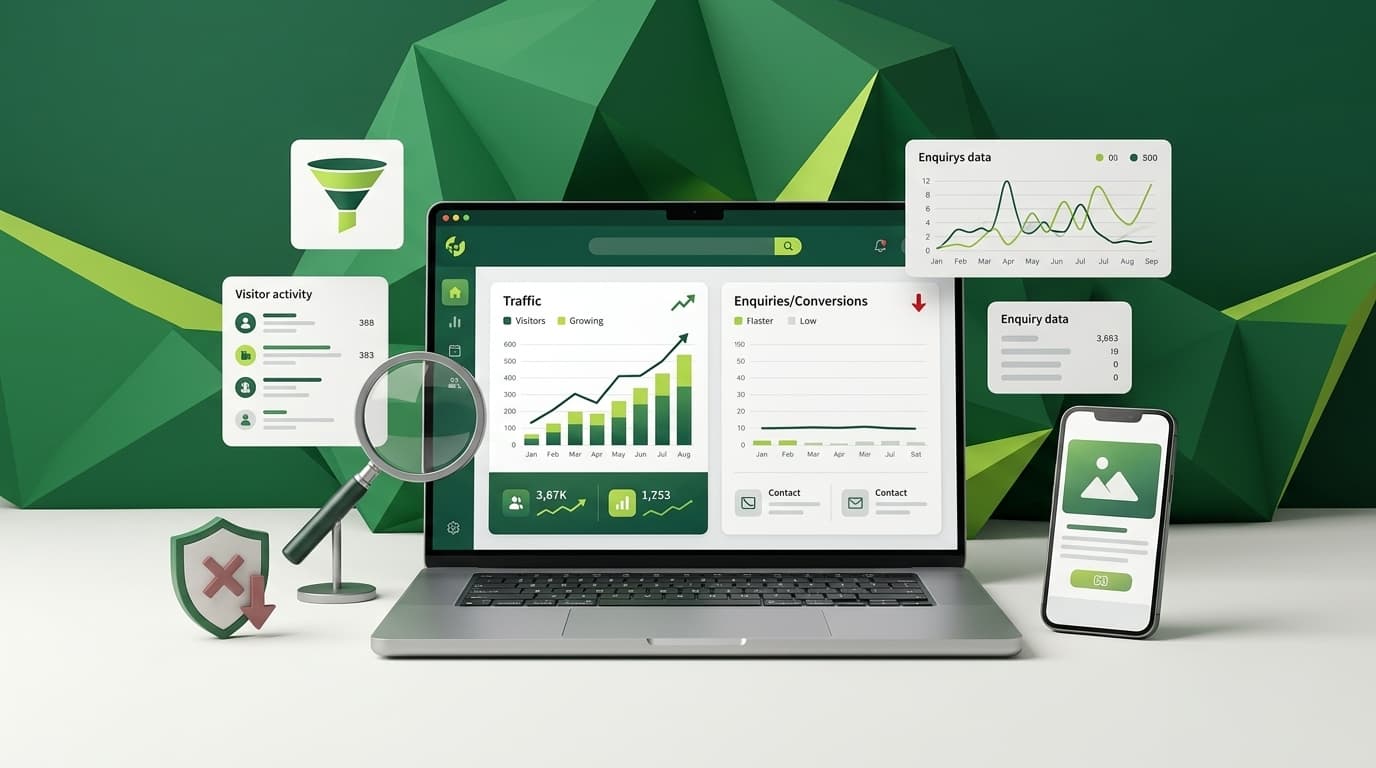
When my traffic keeps climbing but the enquiries don't, I want to know exactly where visitors are dropping off, so I can fix the real problem instead of pouring more budget into visits that were never going to convert. This is one of the most common frustrations business owners bring to us, and it almost always traces back to a handful of fixable gaps between what people find in search and what they experience once they land.
More Traffic Was Never the Actual Goal
When your traffic climbs but the enquiry count doesn't move, the instinct is to chase more visits: another ranking, another blog post, another campaign. That instinct is backwards. Traffic was never the goal. It was only ever the means of getting the right person in front of a page that can turn them into an enquiry.
A dashboard full of climbing sessions feels like proof that things are working, so it's tempting to treat it as the finish line. But when enquiries stay flat while sessions rise, the site isn't struggling to get found. It's losing people somewhere after the click, and that's a far more useful place to look than another few hundred visits a month.
Reason 1: You're Attracting the Wrong Kind of Visitor
Not all traffic carries the same intent. A page ranking for a broad, informational term can pull in thousands of visits from people researching a topic, not looking to hire anyone. That traffic looks healthy in a report and does almost nothing for the business behind it.
This usually traces back to keyword targeting chosen for search volume rather than for how closely it matches what a ready buyer would type. A page built around "what is SEO" will always underperform one built around "SEO services for small business" on enquiries, even if the first term brings in ten times the clicks. Google's own guidance backs this up. John Mueller, Google's Search Advocate, put it plainly on Mastodon: "No ranking factor compensates missing relevance, or missing user interest." A page can rank well and still fail the business if it answers a question nobody who's ready to buy is actually asking.
Quick check
Open Search Console, sort your top queries by clicks, and ask honestly: would someone searching this term be ready to contact a business like yours, or are they still researching?
Reason 2: Visitors Can't Tell What You Actually Do
A visitor decides whether to stay on a page within a few seconds of landing on it. If they can't work out what you offer, who it's for, and why it matters to them in that window, they leave and click back to the search results.
Vague, aspirational language is the usual culprit. A homepage that opens with "a trusted partner delivering innovative solutions" describes nothing a visitor can act on. They want to know, in plain terms, what problem you solve and for whom, ideally in the very first sentence they read.
This gets worse when the page doesn't match what the visitor searched for or clicked on. If your meta description promises pricing and the page never mentions it, or your search snippet says "same-day service" and the headline says nothing about speed, the gap is obvious within seconds and visitors assume they're in the wrong place. Keeping the headline, the search snippet, and the actual offer in agreement removes one more reason to leave.
Reason 3: There's No Clear Next Step
Some pages explain the offer well and still lose the visitor at the last moment. No visible call to action, a contact link buried in the navigation, or three competing buttons that each say something different. An interested visitor needs one obvious, low-friction next step, not a maze to work through.
This shows up most often on pages written to inform rather than to convert. Good information paired with a weak or absent call to action still produces a page that generates traffic without enquiries. The fix is rarely more content. It's usually one clearer decision about what you actually want the visitor to do next.
Forms make this worse when they ask for more than the enquiry needs. A form with ten fields asking for budget, timeline, and company size before anyone has even spoken to you will lose people who would happily have left a name, an email, and a one-line message. Ask for the minimum you need to start a conversation, and collect the rest once someone has replied.
Reason 4: Trust Signals Are Missing or Buried
People rarely contact a business on the strength of a good headline alone. Before they submit a form, they check for evidence: real examples of work, some sign of experience, a way to confirm you're a legitimate, findable operation. Visitors do this fast and without noticing, which is why business owners tend to miss it.
- No case studies, testimonials or client examples anywhere on the page
- Generic stock photography instead of real work or real people
- No pricing guidance or scope indication, leaving visitors unsure what to expect
- Missing or inconsistent contact details, address or business registration information
How much this actually costs a business is easy to underestimate. Nielsen Norman Group's usability research recorded a visitor spending only 35 seconds on a cleaning company's website before deciding: "I would definitely not use HomeCleanz because they don't state the rate here, they want us to actually write to them." She wasn't unhappy with the service. She never found out what it cost, and she left without saying why.
None of these fixes need to be elaborate. Even one short, specific example of a problem you solved for a similar business does more for trust than a paragraph of general claims about experience.
Reason 5: The Page Is Slow or Hard to Use
Slow load times and dense, unstructured text both push people to leave before they get an answer. A visitor scrolling through several screens of unbroken paragraphs to find the one sentence that matters to them will often give up first, especially on a phone.
Mobile is where this problem hides best, because it's easy to check a site on a desktop and assume it's fine. More than half of typical business website traffic now arrives on a phone, and a form with tiny tap targets, a menu that covers the whole screen, or text that requires zooming will cost enquiries that never show up as an error, only as a visitor who left without a trace.
This is a content structure problem as much as a technical one. Clear subheadings, short paragraphs, and the answer to the visitor's question placed near the top of the page all reduce the effort it takes to get value from a visit.
How to Diagnose This on Your Own Website
You don't need expensive tools to start. Google Analytics and Search Console, used together, will surface most of the gaps above within an afternoon.
- Compare landing pages by traffic against landing pages by enquiries. Pages with high traffic and low conversions are your priority list.
- Check the queries bringing traffic to those pages. If they're informational rather than commercial, your keyword targeting needs revisiting.
- Segment traffic by source. Visitors arriving from paid ads, organic search and social rarely behave the same way, and a page tuned for one can underperform for the others.
- Look at bounce rate and time on page for your top landing pages. A high bounce rate combined with low time on page usually points to a messaging or clarity problem, not a traffic problem.
- Run your top landing pages through PageSpeed Insights on mobile. A page that takes several seconds to become usable is losing visitors before they read a word.
- Read the page as if you were a first-time visitor on your phone. Can you answer, in ten seconds, what the business does and what you're meant to do next?
Where to Start Fixing It
Don't try to fix everything at once. Start with the one or two pages that already get meaningful traffic but convert poorly. These are the pages where a fix has the most immediate impact, because the visitors are already arriving.
Rewrite the opening section so it states, plainly, what you do and who it's for. Add one clear, prominent call to action. Add one piece of real evidence: a case study, a specific result, or a client example. Shorten the form to the fewest fields you can defend. Then check whether the keyword the page ranks for still matches genuine buying intent, because a better page won't help if the traffic was never a fit to begin with.
Most of this work takes hours, not months. The same handful of checks apply whether a page gets fifty visits a month or five thousand, and fixing a page that's already getting found usually pays off faster than getting a new page found in the first place. Track the change against that same landing page over the following few weeks rather than the site as a whole, so you can see whether the specific fix moved the number you were trying to move.
This is exactly where SEO and content work overlap. SEO gets the right kind of visitor to the page, and the content and structure on that page decide whether they take the next step. Fixing traffic without fixing the page rarely moves the enquiry number, and fixing the page without checking who's landing on it has the same problem in reverse. Diagnosing the gap correctly, once, saves months of guessing at the wrong fix.
Written by
Nexsols Analytics
Crafting Code, Creating Visibility
Ready to Talk About SEO Services?
See how we connect the right searches to pages built to convert.

Should a Small Business Run an SEO Audit or a Full Website Redesign First?
Should you run an SEO audit or a full redesign first? Real cost ranges, recovery-time data, and a simple way to decide which one your site needs.
Read Article
10 Website Redesign Signs You Shouldn't Ignore (Plus a Free Self-Audit)
10 website redesign signs backed by real benchmarks, like bounce rate and Core Web Vitals, plus a free 5-minute self-audit and when not to redesign.
Read Article
What Makes a Business Website Actually Effective?
The elements backed by real usability research that decide whether a website builds trust, guides visitors and drives growth.
Read Article
How to Prepare Your Online Store Before Development
A pre-development checklist for online stores: catalogue readiness, payments, shipping, product content and platform choice, so your build stays on schedule.
Read Article