
How to Prepare Your Online Store Before Development
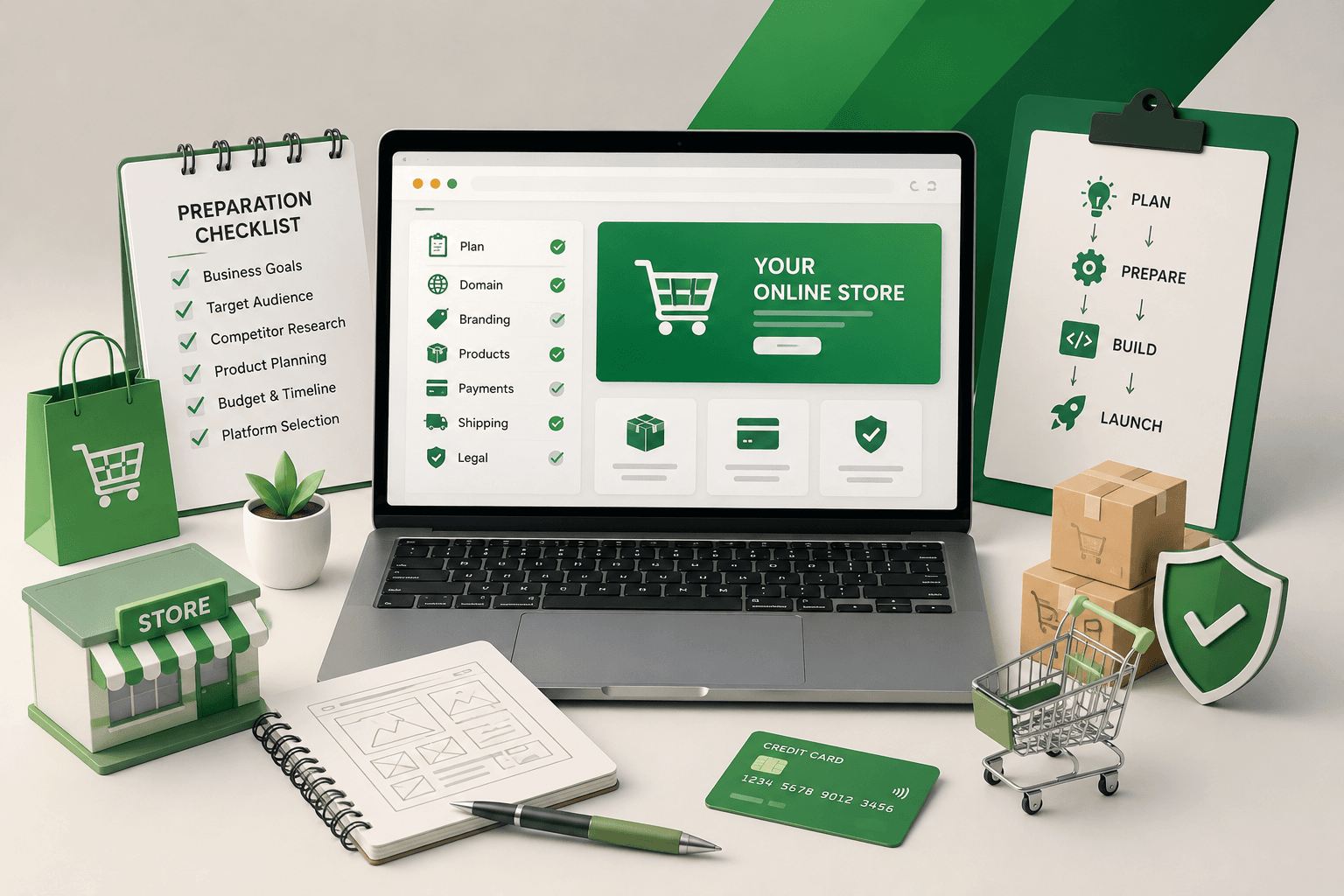
When you're about to brief a developer or agency for your online store, you want to know what to hand them before the first meeting, so the project doesn't stall three weeks in on a decision that should have been made before it started. E-commerce builds fail their timelines for a small, repeatable set of reasons: the catalogue wasn't defined, nobody had decided how shipping would be calculated, product photos didn't exist yet. Here's what to have ready before development begins, and why each item matters to the build.
Why Preparation Determines Your Timeline
A marketing site is mostly layout and copy. An e-commerce build is a system: product data, payment processing, shipping logic, tax rules, and inventory all have to be defined before a developer can build the pages and flows around them. When one of these gets decided mid-project instead of before it, the cost isn't just delay. Pages and templates already built around an earlier assumption often have to be redone.
Agencies that run a proper discovery phase before development see this pattern often enough to have a name for it: scope creep caused by decisions that were always going to have to be made, only made too late to be cheap. A few weeks spent upfront defining the catalogue, the checkout logic, and the content plan is a small cost next to rebuilding pages that were designed around a guess that turned out wrong.
None of what follows needs to be perfect on day one. But having a clear, even provisional, answer to each of these questions before development starts keeps a project moving instead of stalling on something that should have been settled weeks earlier.
Get Your Product Catalogue Ready
Catalogue structure shapes almost every other decision in the build, including navigation, filtering, search, and which platform makes sense at all. Before development starts, you should know roughly how many products you're launching with, how they group into categories, and which attributes customers will filter or compare by (size, colour, material, price band).
- A rough SKU count at launch, and how much that's expected to grow in the first year
- A category structure, even a simple spreadsheet outline, showing how products group together
- The attributes customers will filter or search by
- Whether products have variants (size, colour) that need their own pricing or stock tracking
A catalogue that's still genuinely undefined at this stage is one of the most common causes of rework later. Navigation and product templates get built around a rough guess, the real structure turns out to be different once the full range is in front of everyone, and the templates get rebuilt.
Decide How You'll Handle Payments and Shipping
Payment gateways and shipping rules aren't small configuration details. They affect checkout flow, tax handling, and which platform features you need. Knowing which payment providers you want to offer, which regions you'll ship to, and how shipping cost gets calculated (flat rate, weight-based, carrier-calculated) lets a developer build the checkout correctly the first time instead of retrofitting it.
Store owners tend to assume checkout is a solved problem, since every platform ships with one built in. Jamie Appleseed, co-founder and CTO of Baymard Institute, which has run large-scale checkout usability research since 2009, argues the step count isn't what determines whether checkout works: "What's important to keep in mind in mobile commerce checkouts is not the number of checkout steps, but what you ask your users to do at each step and how you ask them to do it." A five-step checkout that asks for the right information in the right order beats a two-step one that front-loads account creation.
Don't skip this
If you sell internationally or plan to, decide that before development starts. Adding multi-currency pricing or region-based tax handling after checkout is already built is far more work than including it from the start, because tax logic and currency touch nearly every screen between cart and confirmation.
Prepare Product Content, Not Just Products
Having products doesn't mean having product pages ready. Each product needs a clear description, accurate specifications, and images that show what a customer is really buying. Thin product pages are one of the most common reasons online stores lose customers at the final step: buyers who aren't confident about what they're purchasing simply don't complete the order.
- Descriptions that answer the questions a buyer would ask, not only a features list
- Multiple images per product, including scale or context where relevant
- Accurate specifications: dimensions, materials, compatibility, whatever applies to your products
- Pricing confirmed, including any variant-based pricing differences
Nielsen Norman Group's research into e-commerce product pages, built from usability testing across hundreds of online stores, found the same pattern repeatedly: shoppers need enough information about a product to feel sure of it before they'll buy, and that means combining text with images and clear pricing rather than leaning on one alone. A product page with one photo and a two-line description is asking the customer to take a risk most won't take.
If content isn't ready for the full catalogue at launch, prioritise your highest-value or highest-traffic products first rather than launching with thin pages across the board. A hundred well-written product pages will outsell a thousand rushed ones.
Know Your Order Fulfilment Capacity
A store that can take orders faster than you can pack and ship them creates a different kind of problem than a slow launch. Before development starts, be honest about how orders will get fulfilled: who packs them, how shipping gets booked, and what happens when demand spikes past what one person can handle by hand.
None of this is a development question on its own, but it shapes decisions like whether you need inventory sync, order notification workflows, or an integration with a fulfilment partner. Building those in from the start is far easier than bolting them on after launch, once orders are already coming in and there's no room to pause.
Choose the Right Platform for Your Scale
The right e-commerce platform depends on catalogue size, expected order volume, budget, and how much customisation you need, not on which platform is trending this year. A small catalogue with straightforward needs rarely benefits from the most complex, expensive option, and a large, fast-growing catalogue can outgrow a platform chosen for simplicity alone within a year or two.
The useful way to make this decision runs backwards from how most people start. Instead of shortlisting platforms and comparing features, define the commercial outcomes you need (multi-currency, wholesale pricing, subscription billing, whatever applies), work out which capabilities deliver those outcomes, then see which platforms provide them. Starting from the platform list tends to end with a platform chosen for its homepage rather than your catalogue.
Make this decision with clear reasoning rather than defaulting to whatever a previous project used. Migrating platforms later means moving products, orders, customer data, and often accumulated SEO value, all at once, and rarely without some loss.
Plan for Day-One SEO, Not an Afterthought
Product and category pages are a store's biggest source of long-term organic traffic, but only if they're structured for search from the start. URL structure, category naming, and basic on-page SEO are far easier to get right during the build than to retrofit across hundreds of live product pages later.
Category pages carry more of this weight than most store owners expect. Baymard Institute's research on category page design is direct about what happens when they're treated as an afterthought: "Thin category pages struggle to rank. A category page with nothing but a handful of subcategory tile links and no other content gives search engines very little to work with for competitive head terms." A category description, a few curated product sections, and some internal links give search engines, and shoppers, something to work with.
A full SEO campaign doesn't need to run before launch. But the category structure, URL patterns, and product page templates should be built with search visibility in mind from the first version, not treated as a phase-two project once traffic disappoints.
A Pre-Development Checklist
Before you brief a developer or agency, you should be able to answer each of these with reasonable confidence:
- Product catalogue: rough SKU count, category structure, and key attributes
- Payment providers and the regions or currencies you'll support
- Shipping method and how rates will be calculated
- Product content: descriptions and images ready, or a plan to prioritise them
- Who handles order fulfilment and how it scales past manual capacity
- A platform choice backed by your catalogue size and growth plans, not only familiarity
Projects that walk into development with these answers ready move noticeably faster and hit far fewer surprises. If you're not sure where your own answers stand yet, that's a normal starting point. It's exactly what a proper discovery phase before the build is meant to work through.
Written by
Nexsols Analytics
Crafting Code, Creating Visibility
Ready to Talk About E-commerce Development?
See how we plan catalogue structure, checkout and platform setup from day one.
Should a Small Business Run an SEO Audit or a Full Website Redesign First?
Should you run an SEO audit or a full redesign first? Real cost ranges, recovery-time data, and a simple way to decide which one your site needs.
Read Article
10 Website Redesign Signs You Shouldn't Ignore (Plus a Free Self-Audit)
10 website redesign signs backed by real benchmarks, like bounce rate and Core Web Vitals, plus a free 5-minute self-audit and when not to redesign.
Read Article
Why Your Website Gets Traffic but Few Enquiries
Traffic climbing while enquiries stay flat usually means wrong-intent keywords, unclear messaging or a weak call to action. Here's how to fix it.
Read Article
What Makes a Business Website Actually Effective?
The elements backed by real usability research that decide whether a website builds trust, guides visitors and drives growth.
Read Article